Instagram Post Formats for Career Centers: 3 That Actually Drive Engagement
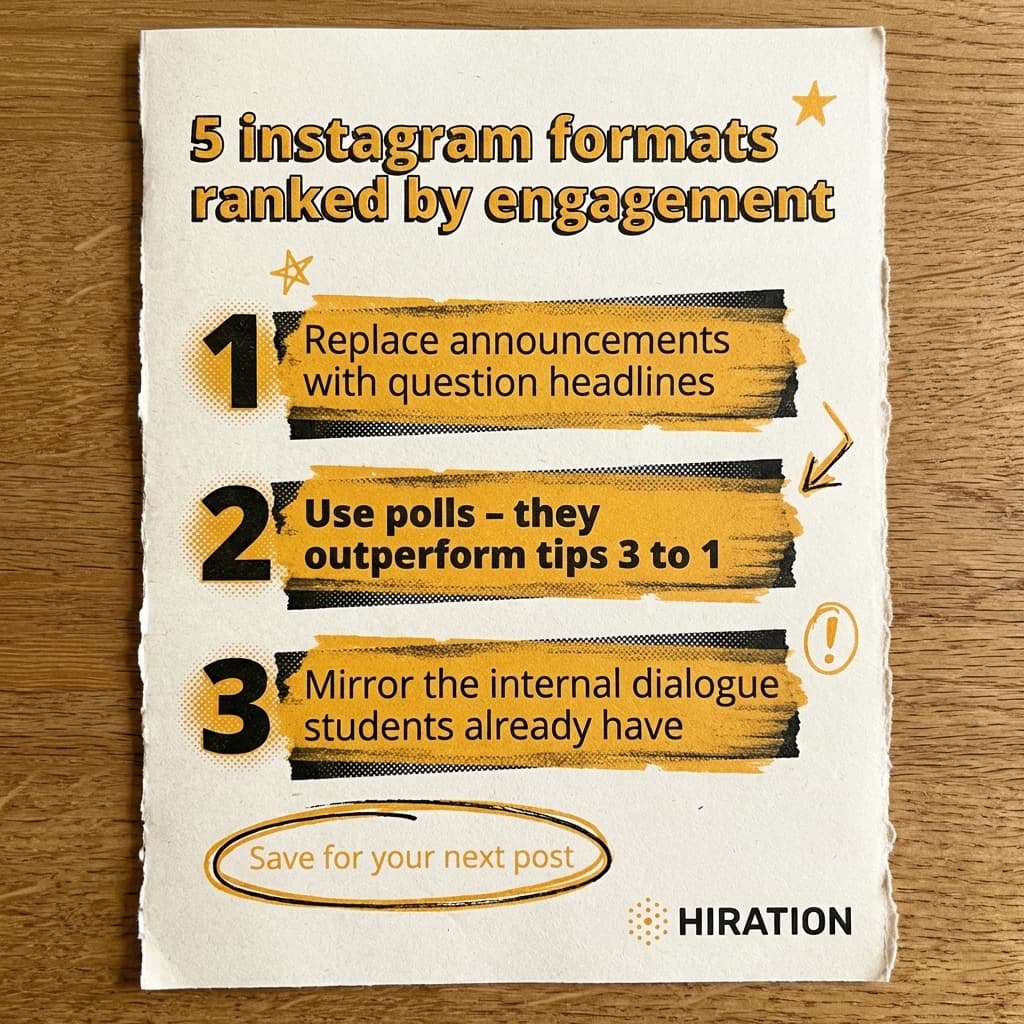
Visual by Campaign Studio · Generate your own for free
Polls outperform static tip graphics by three to one on Instagram. That single data point should change how every career center approaches content creation, yet most accounts are still posting Canva announcement cards that get 12 likes and zero meaningful interaction.
The problem isn't your content. It's the container you're putting it in.
Announcement Graphics Are a Dead Format
Picture this: a student is lying in bed at 11 PM, thumb-scrolling through Reels of cooking videos and friend drama. Your post appears. It's a branded graphic in your school colors that says "Spring Career Fair, March 14, Register Now." What happens next? Nothing. They scroll past it in under a second.
Career centers default to announcement-style posts because they feel productive. You've got an event, you need to promote it, and a graphic with the date and a QR code seems like the obvious move. But Instagram's algorithm rewards engagement, not information delivery. Every time students scroll past your announcement without interacting, Instagram shows your next post to fewer people. You're actively training the algorithm to bury you.
The career centers pulling real engagement numbers have figured out something counterintuitive. They don't post about events. They post about the feelings students have around events.
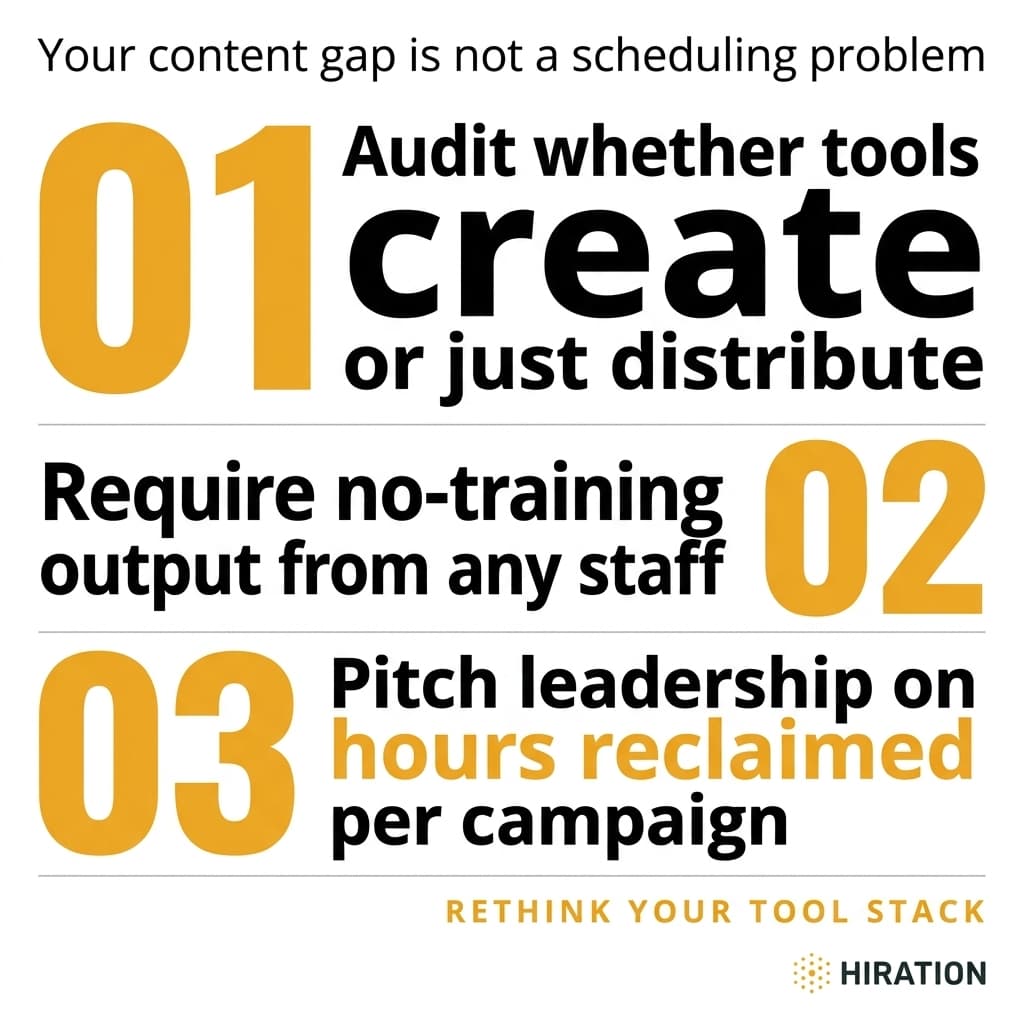
If your career services team runs social campaigns, Campaign Studio can save you a few hours each week.
See how it worksLead With the Question Students Are Already Asking Themselves
There's a difference between "Career Fair This Friday" and "Be honest, when do you actually start prepping for career fair?" The first is an announcement. The second mirrors an internal dialogue that's already happening inside your students' heads.
This reframe works because of a basic psychological principle. People respond to content that validates what they're already thinking. A junior who's been quietly stressing about having nothing to say to recruiters sees that question and thinks, "Oh thank God, someone's talking about this." That's the moment they tap, vote, comment, or save.
Three formats consistently outperform everything else for career centers on Instagram:
- Poll stickers on Stories. Binary choices like "Started prepping for career fair / What prep?" generate massive tap rates because they require almost zero effort from the student. You get engagement data AND a content hook for your follow-up post.
- Carousel posts with a question headline on slide one. The first slide isn't a tip. It's a question. "What's the worst thing you can say in a networking conversation?" Curiosity drives the swipe. Slides two through five deliver the value.
- Short Reels that open with a relatable scenario. Three seconds of "POV: You're at career fair and a recruiter asks about your experience" hooks students who've lived that awkwardness. The rest of the Reel gives them the answer.
Notice what all three have in common. They start with the student's experience, not your programming calendar.
Build Your Content Calendar Backwards
Most career centers plan content by looking at their events list and working forward. Career fair in March, so post about career fair in March. Workshops in April, so post about workshops in April.
Flip it. Start with the emotional timeline of your students instead.
In September, first-years are wondering if they chose the wrong major. In January, juniors are panicking about not having internships lined up. In April, seniors are comparing themselves to classmates who already have offers. These anxieties exist whether you post about them or not. Your job is to meet students inside those moments.
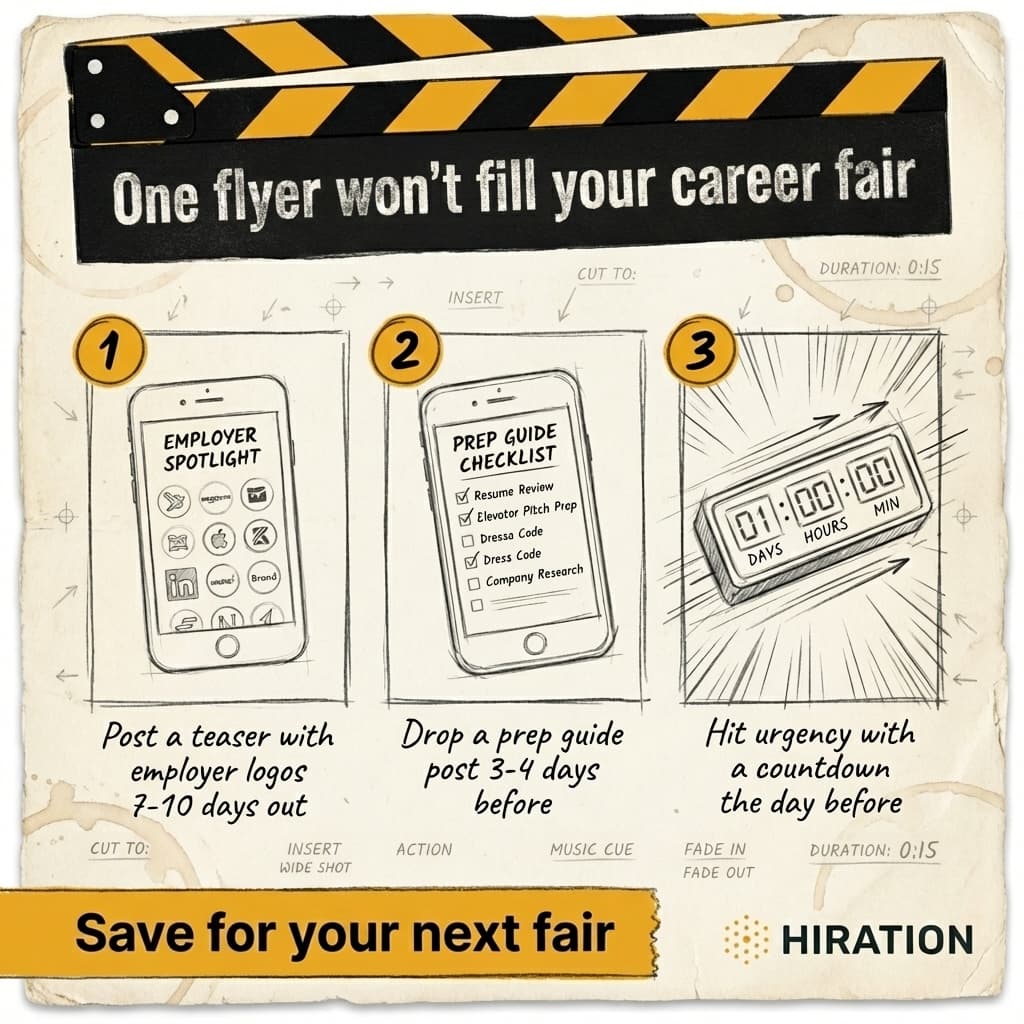
Map your biggest events and deadlines onto this emotional timeline, then write question-first content that bridges the gap. A resume workshop isn't a post about a resume workshop. It's a poll that asks "How many times have you rewritten your resume this semester?" followed by a Story that says "If you picked 4+, come to our workshop Thursday and we'll fix it together."
The event still gets promoted. But the student actually sees it.
Your Move This Week
Pull up your last 10 Instagram posts. Count how many start with an announcement versus a question. If the ratio skews heavily toward announcements, pick your next upcoming event and write three question-first captions for it before you touch a single graphic. Test one as a poll Story, one as a carousel opener, and one as a Reel hook. Track which format gets the most interaction, then do more of that.
You don't need a bigger content team or a better design tool. You need to stop telling students what's happening and start asking them what they're feeling. The engagement will follow.
Frequently Asked Questions
How often should a career center post on Instagram?
Three to four times per week is a sustainable cadence for most career center teams. Consistency matters more than volume, so posting three strong, interactive pieces beats five forgettable announcement graphics every time.
What type of Instagram post gets the most engagement from college students?
Interactive formats like poll stickers, question-first carousels, and short Reels consistently outperform static graphics. Polls in particular generate high tap rates because they require minimal effort from students while triggering curiosity about how peers responded.
How do I promote career center events on Instagram without just posting flyers?
Lead with the emotion or anxiety students associate with the event, not the event details. For example, instead of posting a career fair flyer, run a poll asking students when they actually start preparing. Then link the event as the solution in your follow-up content.
Why is my career center's Instagram engagement so low?
Most career center accounts post announcement-style graphics that students scroll past without interacting. Each skipped post signals Instagram's algorithm to reduce your reach further. Switching to question-first, interactive formats breaks this cycle by giving students a reason to tap, vote, or comment.
Your Career Services team is already doing this work manually
Campaign Studio turns one idea into a full campaign across Instagram, LinkedIn, email, Handshake, and LMS. Weekly engagement runs on autopilot. Event campaigns build on demand.
Run Your First Campaign