Alumni Campaign Workflows: Fix the Fragmented Middle Layer
Visual by Campaign Studio · Generate your own for free
The biggest bottleneck in alumni engagement isn't strategy or data. It's the dozen manual handoffs between pulling a segment from your CRM and actually hitting send.
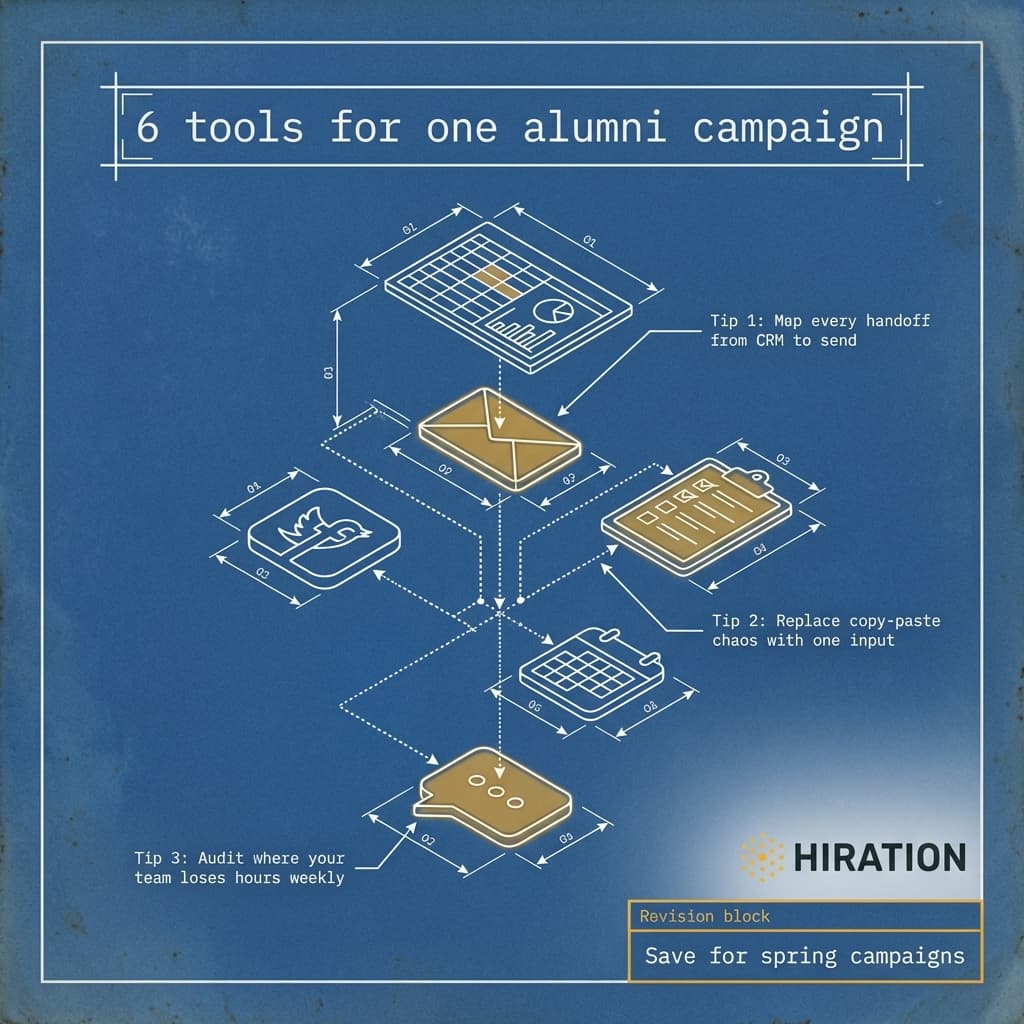
Advancement communications teams at most institutions run campaigns through a workflow that looks something like this: export a segment from Blackbaud, write copy in a Google Doc, design assets in Canva, manually adapt everything for email vs. social vs. web, route approvals through Slack threads that get buried, then copy-paste final content into each distribution tool one by one. Every handoff introduces delay, errors, and brand drift. And nobody on the team went to school for project management.
The Problem Isn't Your People. It's Your Content Middle Layer.
Picture this: your team is launching a giving day campaign targeting three alumni segments, young alumni, lapsed donors, and loyal annual fund contributors. Each segment needs tailored messaging. Each message needs to work across email, Instagram, LinkedIn, and your website banner. That's at least 12 distinct content assets before you even think about variations or A/B testing.
A typical three-person advancement comms team will spend two to three full days just producing and formatting those assets. Not writing strategy. Not analyzing results. Literally resizing images, adjusting character counts for different platforms, and chasing down a VP's approval in a Slack DM.
This is the content middle layer. It sits between your data (who you're targeting) and your distribution (how you reach them). Most teams treat it as a series of manual tasks scattered across five or six tools. But it's actually a single production problem that compounds with every campaign.
Why does this matter beyond team frustration? Because fragmented workflows directly reduce campaign frequency. When every campaign takes 15+ hours of production work, teams default to fewer, broader sends. Personalization becomes aspirational. And the alumni who might re-engage with a well-timed, well-targeted message never see one.
If your alumni team creates outreach content, Campaign Studio can save you a few hours each week.
See how it worksMap Your Handoffs Before You Try to Fix Them
Before reaching for any solution, do this exercise with your team. It takes 30 minutes and it's revealing every time.
Grab a whiteboard or a Miro board. Map the literal journey of content for your last campaign, from the moment someone pulled data to the moment assets went live. Document every tool, every person, every approval step. Be honest about where things stalled.
Most teams discover three things:
- They're using six to eight tools for what is fundamentally one production process
- Channel adaptation (reformatting the same message for email vs. social vs. web) consumes more time than the original creative work
- Approval bottlenecks aren't really about approvals. They're about reviewers not having easy access to final-format previews
That map becomes your case for change, whether you're pitching your director on new tools or just reorganizing how your current team operates.
One Input, Every Output
The fix isn't adding another tool to the chain. It's collapsing the chain.
Campaign Studio was built for exactly this problem. You feed it one input, your campaign brief, segment details, and key messaging, and it produces channel-specific copy, AI-generated visuals, and brand-compliant output formatted for every platform. Email version. Social cards. Web banners. All from a single workflow, all adhering to your institution's brand guidelines.
No more copying body text from a Google Doc into Mailchimp while manually trimming it to fit an Instagram caption. No more asking your designer to export the same visual in four aspect ratios. No more approval chains where the reviewer sees a raw doc instead of the actual finished asset.
The time savings are real. Teams using Campaign Studio report cutting campaign production from days to hours. But the bigger win is what that recovered time makes possible. More segments. More personalization. More campaigns per quarter. The strategic work your team was hired to do.
Start With Your Next Campaign
This week, run the handoff mapping exercise on your most recent alumni campaign. Count the tools involved, count the hours spent on production vs. strategy, and identify the single most painful handoff in the chain. That's your starting point.
Then ask yourself an honest question: if producing a fully adapted, multi-channel campaign took two hours instead of two days, how many more alumni segments would you actually reach this year? That gap between what you're doing and what you could be doing is the cost of a fragmented workflow. And it's fixable.
Frequently Asked Questions
Why are alumni engagement campaigns so time-consuming to produce?
Most advancement teams use six to eight disconnected tools to move content from a CRM segment to final distribution. Each tool requires manual reformatting, and adapting one message for email, social, and web often takes longer than writing the original copy. These handoffs compound with every campaign.
How can a small advancement team run more personalized alumni campaigns?
The biggest lever is reducing production time per campaign. When reformatting and channel adaptation are automated, a three-person team can realistically produce segmented campaigns for multiple alumni groups in hours instead of days. That freed capacity goes directly toward more targeted messaging.
What is the content middle layer in campaign production?
It's the production work that happens between data (knowing who to target) and distribution (actually sending the campaign). This includes writing copy, designing visuals, adapting assets for each channel, and routing approvals. Most teams handle it manually across multiple tools, which creates bottlenecks.
How does Campaign Studio help with alumni campaigns?
Campaign Studio replaces the manual production chain by taking a single campaign input and generating channel-specific copy, AI-created visuals, and brand-compliant assets for every platform. Teams skip the step of manually reformatting content for email, social, and web, cutting production time from days to hours.
Your Alumni team is already doing this work manually
Campaign Studio turns one idea into a full campaign across Instagram, LinkedIn, email, Handshake, and LMS. Weekly engagement runs on autopilot. Event campaigns build on demand.
Run Your First Campaign